An Open-Source Claude Code Alternative With a GUI and Mobile Access
Most OSS alternatives to Claude Code live inside an editor or the CLI. Tron is the standalone terminal one — which makes the trade-offs interesting.
Look up "open-source Claude Code alternative" and you'll find the same four names over and over: Cline, Aider, OpenCode, OpenHands. All good projects. All IDE extensions or CLI tools. None of them ship as a terminal app you can actually put in your Dock, and none are reachable from a tablet or a phone.
That's the niche Tron sits in. Not better than those — different.
Quick comparison
- Cline — VS Code extension. Lives inside the editor; the editor is the UI. Strong if your workflow is already inside VS Code.
- Aider — terminal CLI focused on Git-aware code editing. Brilliant for pair-programming on a checked-out repo; not a full shell replacement.
- OpenCode — terminal CLI, provider-agnostic. Very similar niche to Aider with a slightly different UX.
- OpenHands — agent framework with a web UI, targeted at autonomous task execution. More orchestration than interactive shell.
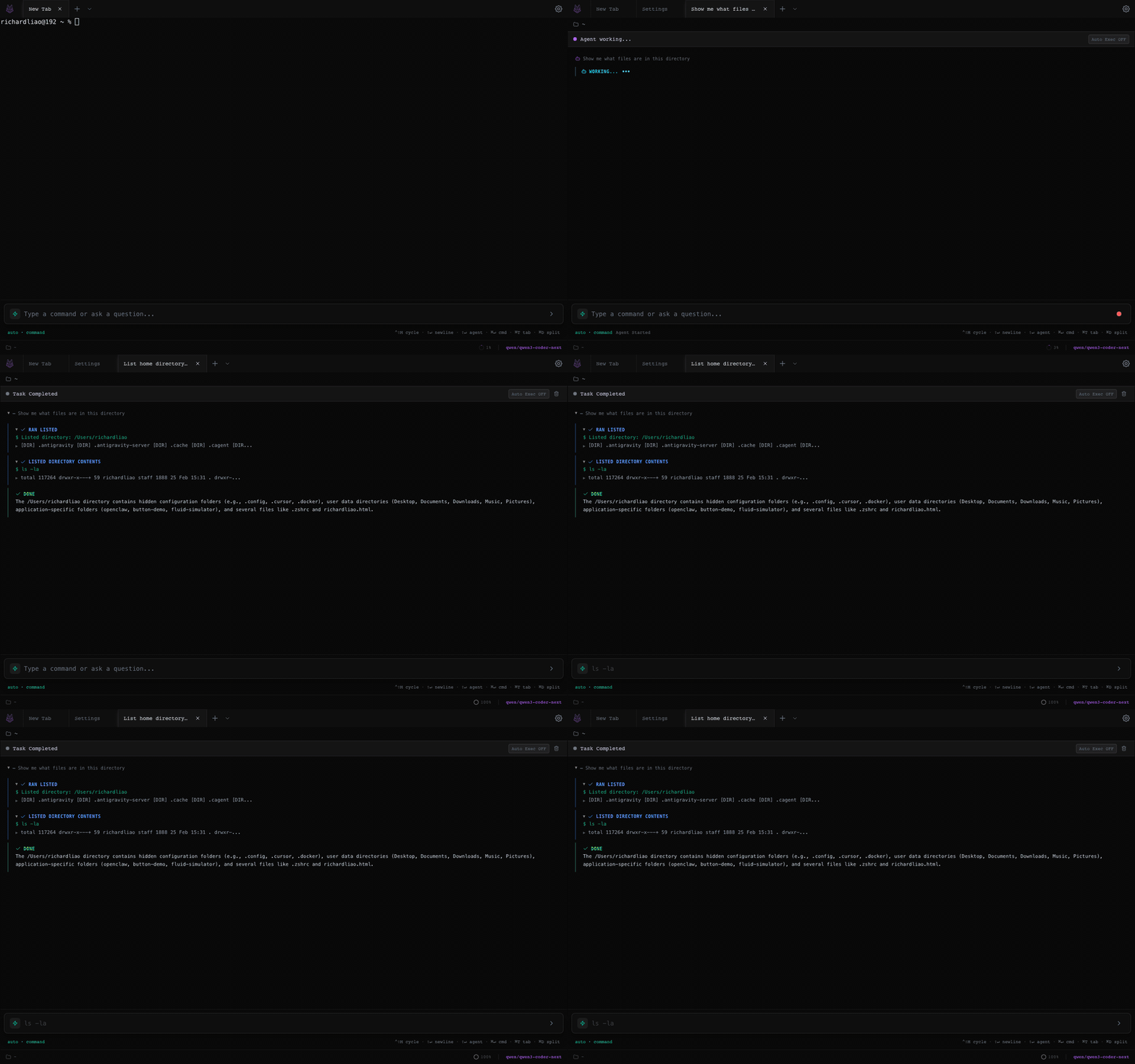
- Tron — standalone terminal app (Electron + web-server mode). Agent + SSH + tabs + splits, reachable from any browser. MIT-licensed.
When you'd pick Tron
- You want a real terminal, not an editor plugin. You use tmux/zsh daily, need SSH profiles, split panes, and a proper scrollback. Cline hides the shell behind a sidebar — Tron is the shell.
- You want to code from a tablet or phone. The web server mode means your own machine's URL, opened on an iPad, is a full working terminal. Cline and Aider don't run in a browser.
- You switch providers. Tron caches per-provider credentials and models — Anthropic today, Ollama tomorrow, GLM for something cheap. Provider switches don't lose your config.
- You want self-host, not cloud. Point it at Ollama or LM Studio on the same box and nothing leaves your network.
When you'd pick something else
- Cline — you live in VS Code and want diffs visible next to the agent's changes.
- Aider / OpenCode — you prefer a minimal CLI and Git-aware multi-file diffs are your main need.
- OpenHands — you're building autonomous agents, not interactive sessions.
- Claude Code itself — you're on a Mac, want the official Anthropic experience, and don't care about self-host.
Install
Desktop downloads (macOS signed + notarized, Windows installer, Linux AppImage/deb) are on the homepage. If you'd rather self-host, clone and build the web server:
git clone https://github.com/Shadowhusky/Tron.git
cd Tron
npm install
npm run build:web
npm run start:web
Open http://localhost:3888. Add a provider in
Settings > AI and start a tab.
What makes the agent loop work
A short list of things that aren't obvious from a feature page but matter once you use it:
- Terminal-state classifier distinguishes idle shell vs running server vs password prompt vs TUI menu. The agent picks different strategies for each.
- Loop detection uses a separate LLM arbiter — if the agent's running slight variations of the same probe, it gets redirected instead of looping forever.
- Auto-summarise kicks in at 90% context. Old tool output gets compressed and the agent keeps going.
- SSH sessions implement the same interface as local PTYs, so file ops just work over SSH — no special-casing.
Get Tron
MIT-licensed. Desktop or web. Pick your flavor.